Canvas Case Study
Project Overview
Canvas is a web based learning management system that helps schools keep track of classes, assignments, tests, and allow students to communicate with their teacher in a convenient way.
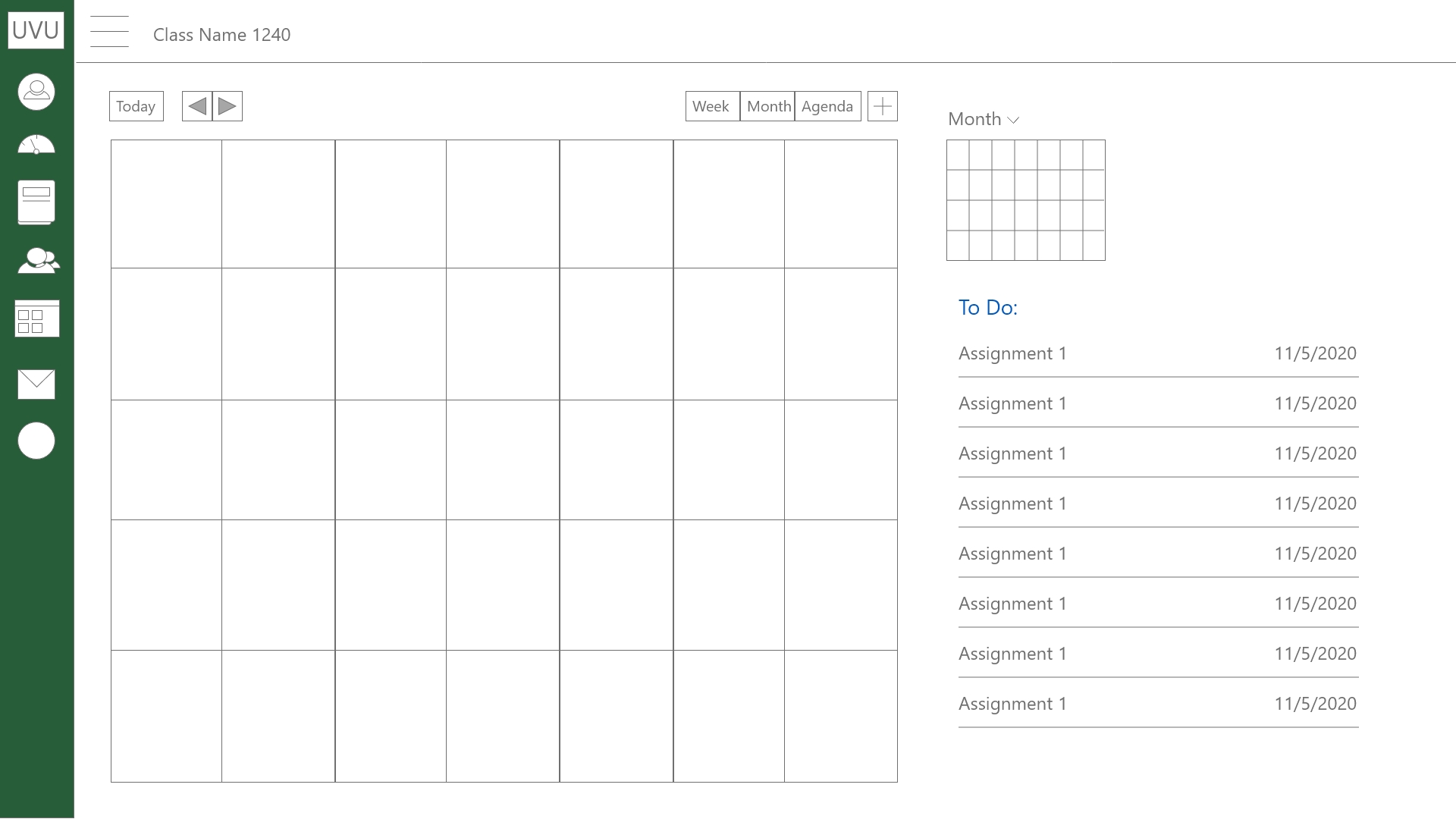
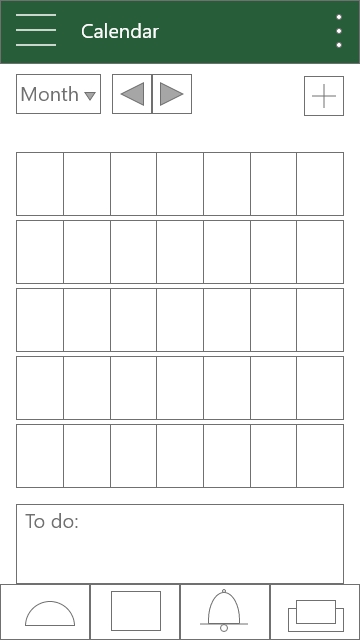
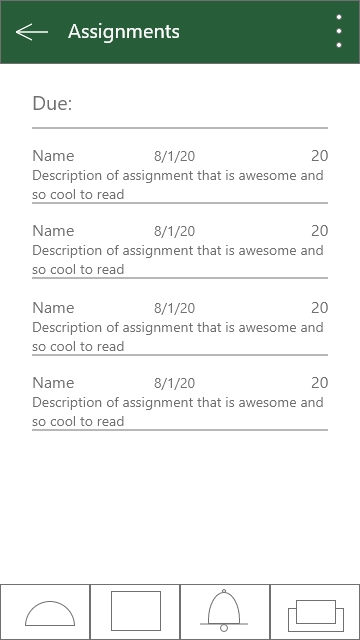
While the UI for Canvas is pretty good, there needed to be some changes to the email, assignments, calendar, and media pages to make them more intuitive, usable, and satisfy student needs.
Each year new web trends are created by innovative designers. While it may be okay to use older designs for a couple years, it’s important to stay up to date with current trends because users will perceive your application as better.
Solution
After taking the time to understand the client’s needs and goals, we followed up with current users to discover what their user habits were and to get their feedback on what they would want changed to help their class workflow.
Calendar: Calendars are effective tools to keep assignments organized and keep due dates easily in mind. Calendar designs can become cluttered though. It was important to keep it simple and design icons that quickly communicate to the user what assignments are due.
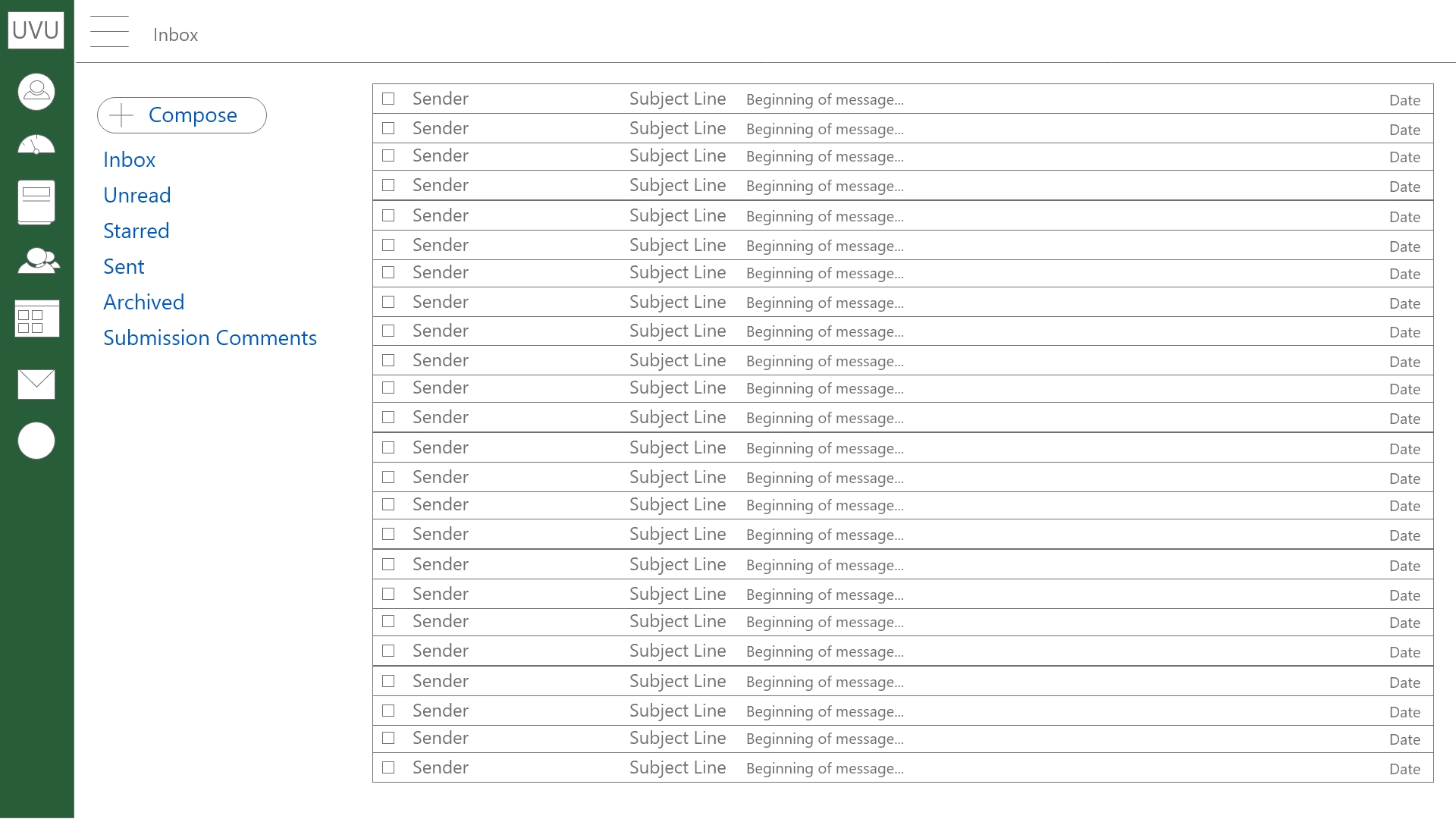
Inbox: Email is critical for effective communication between students and teachers. When people can’t figure out how to use their email it can keep them from being able to get needed guidance and clarification from their instructor. The email design was updated to match popular email providers designs so users will be familiar with their new email and know how to use it.
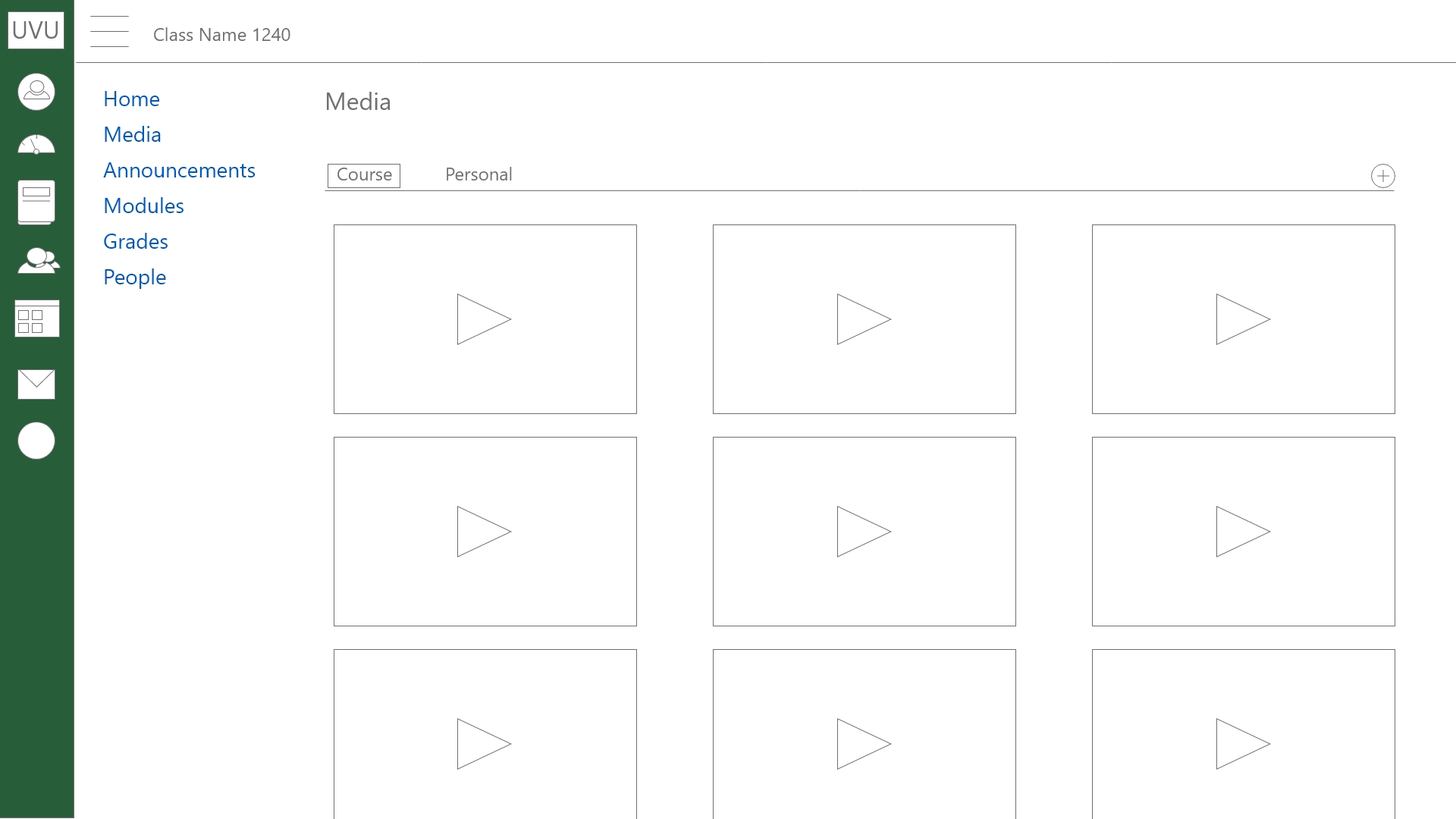
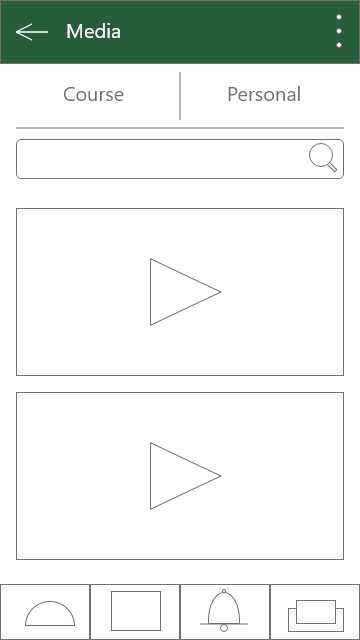
Media: With the advent of Covid, Videos are an important tool for students and teachers alike. Previously videos weren’t used for lessons as much as they are now. More and more teachers are using videos for their lessons and it was important to keep them organized and quickly navigate between course media and student media.
Comments
Post a Comment